● User guides
Guides
Short guides to PhasorFM, from the first sound to the finished bank. Every screenshot is from the app on iPad.
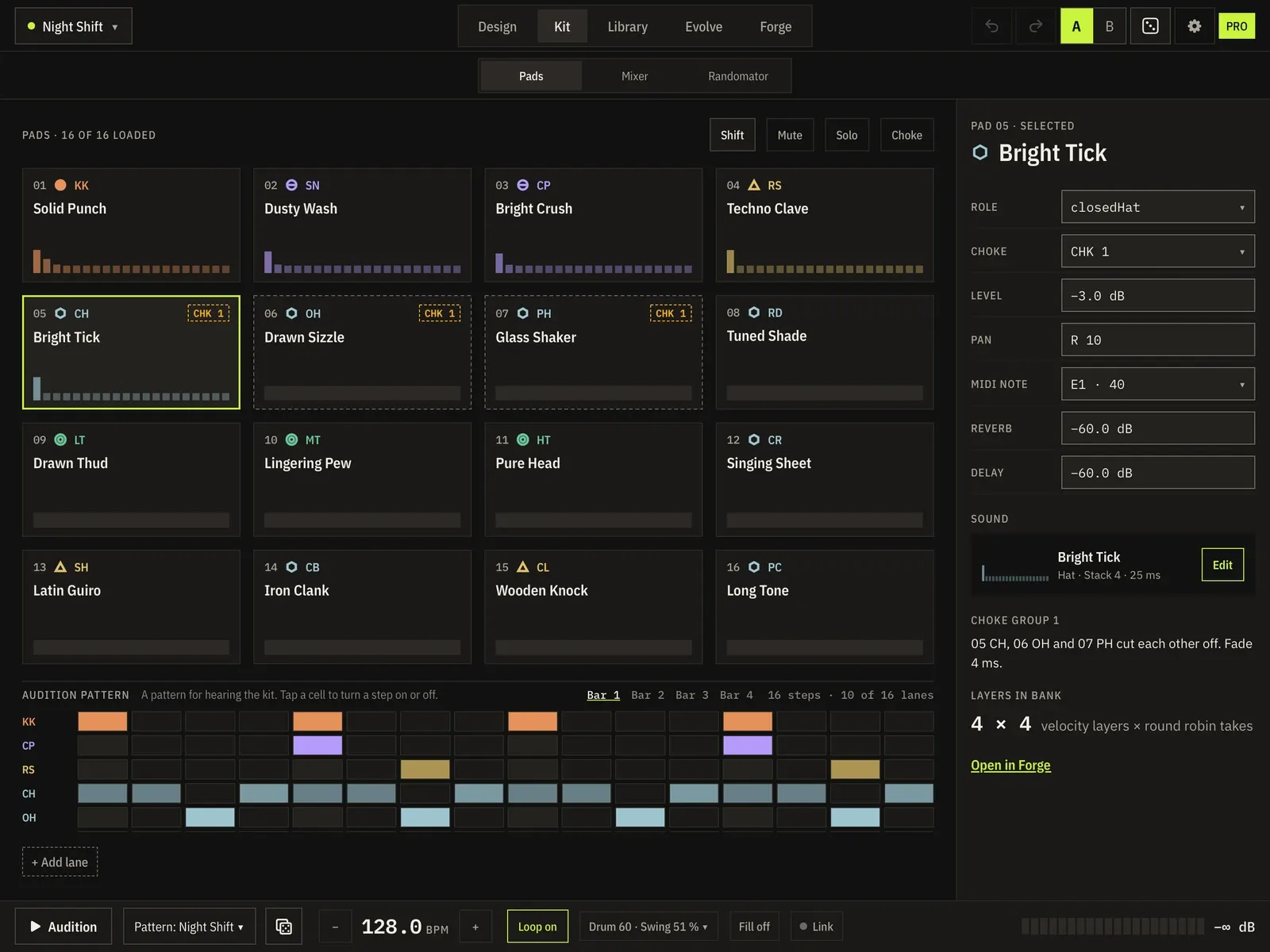
01
Getting started with PhasorFM
Open a kit, play the pads, change a sound and learn the five tabs.
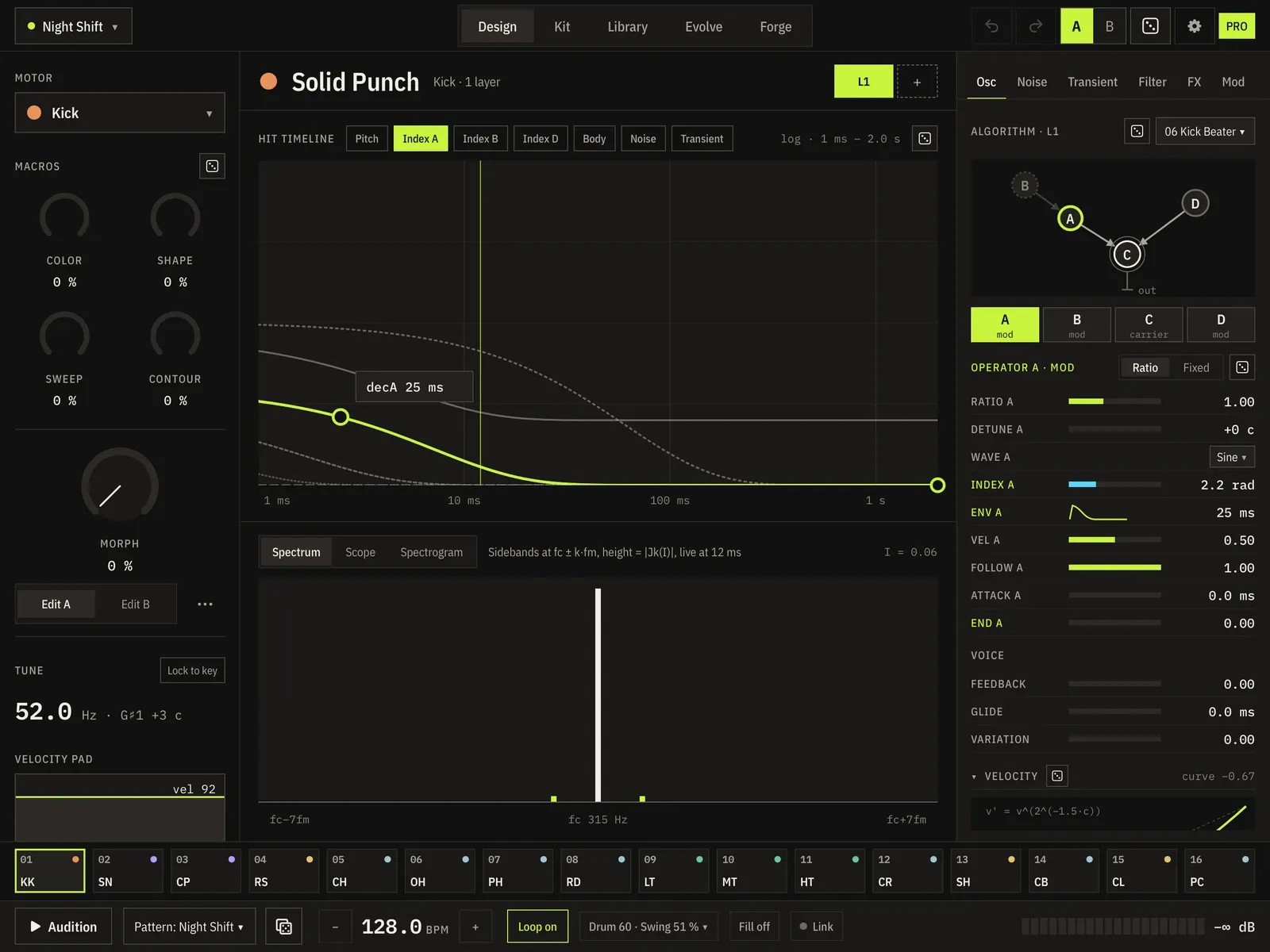
02
Shaping a sound
Choose a motor, set the macros, edit the FM operators and the filter, and breed new sounds in Evolve.
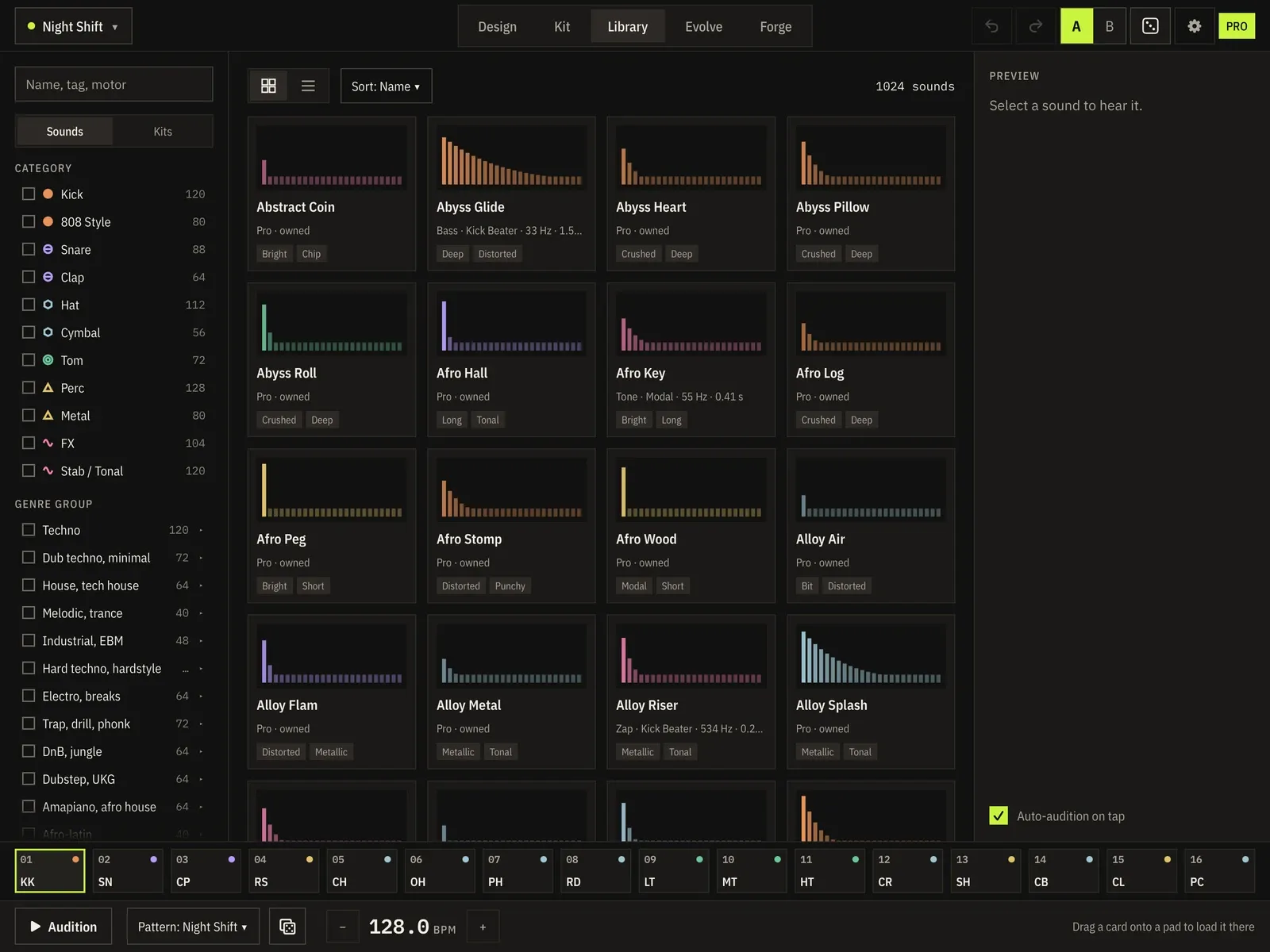
03
Presets and kits
Load factory sounds and kits from the Library, save your own, and manage kits with the kit menu and the pad menu.
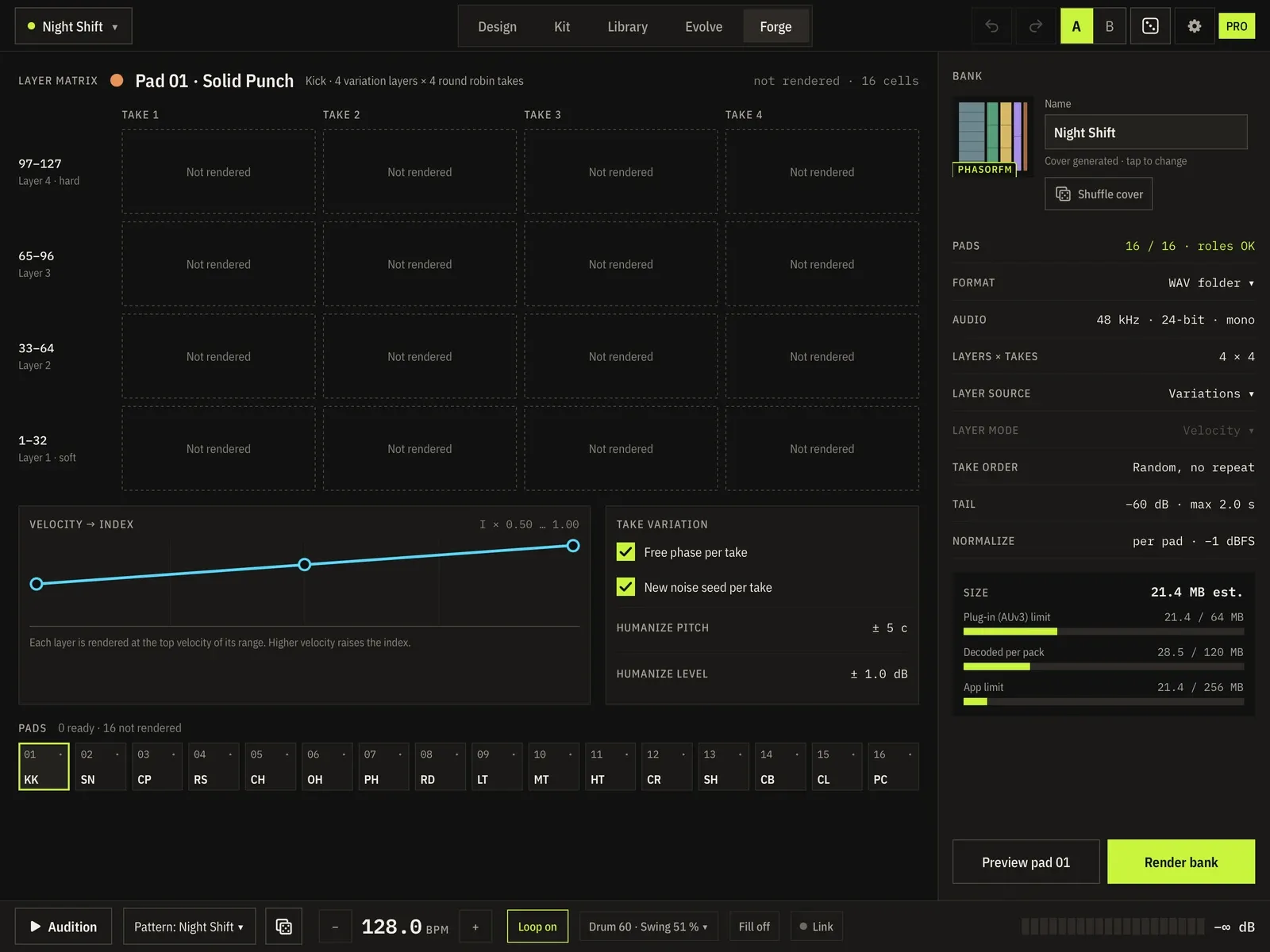
04
Forge and export
Render the kit into a sample bank with velocity layers and round robin takes, then export it to Pulsark, a WAV folder or SFZ.
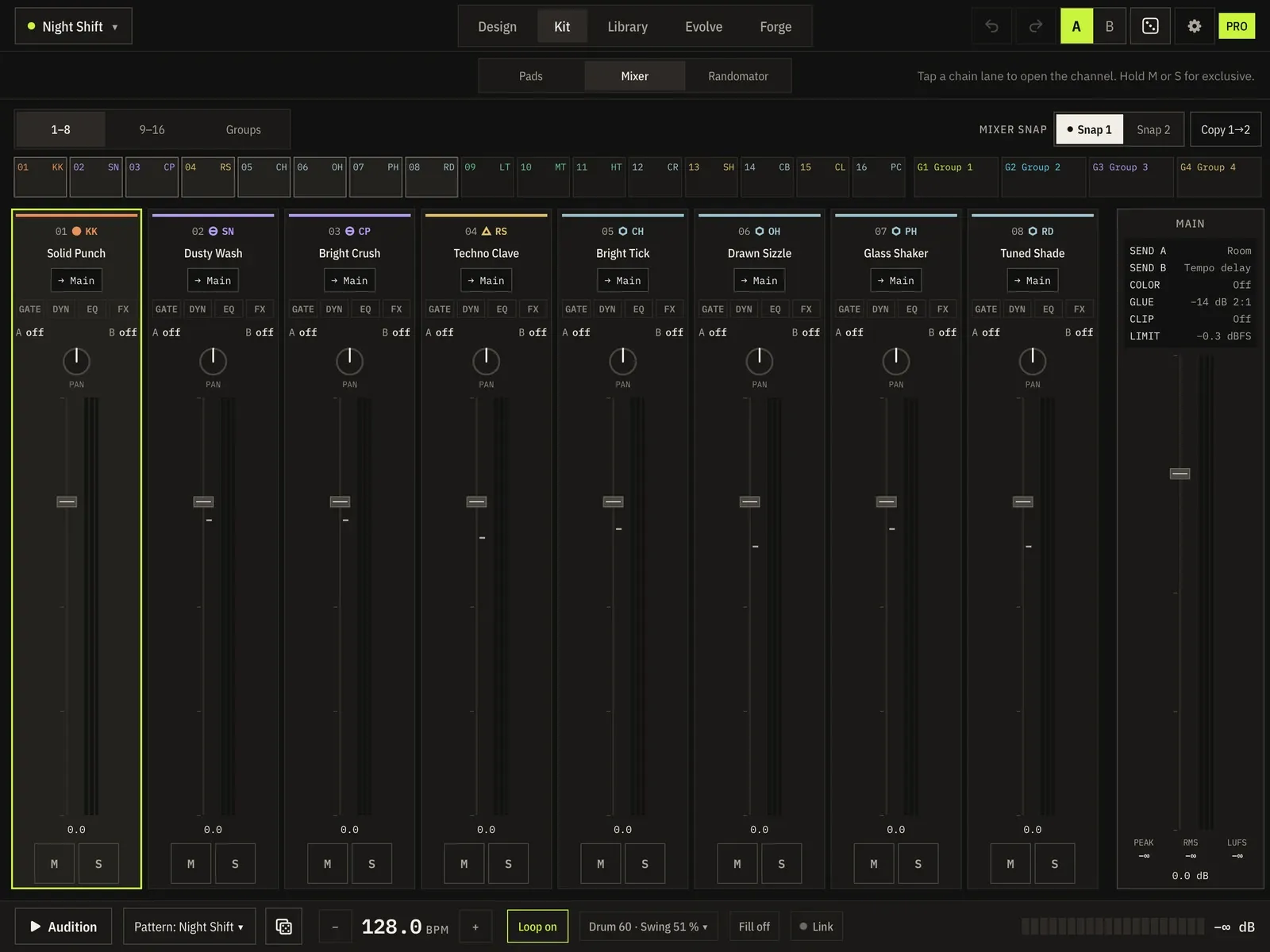
05Pro
Pro mixer and Randomator
Mix the kit with one channel per pad, groups, sends and a Main section, and make variations of the kit and its pattern with the Randomator.
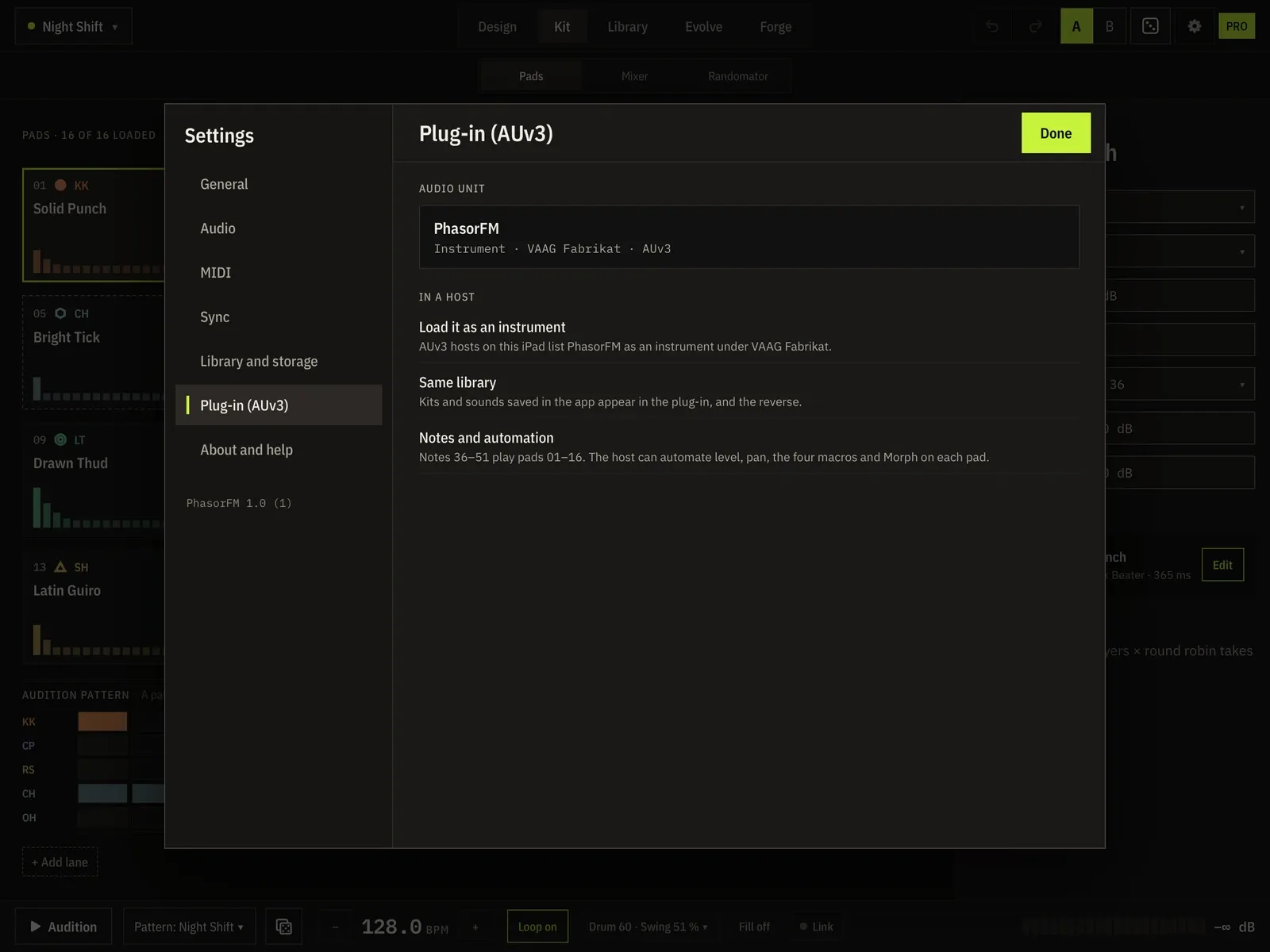
06
PhasorFM as an AUv3 plug-in
Load PhasorFM as an instrument in a host, play and automate it from the host, and use one output per pad with Pro.
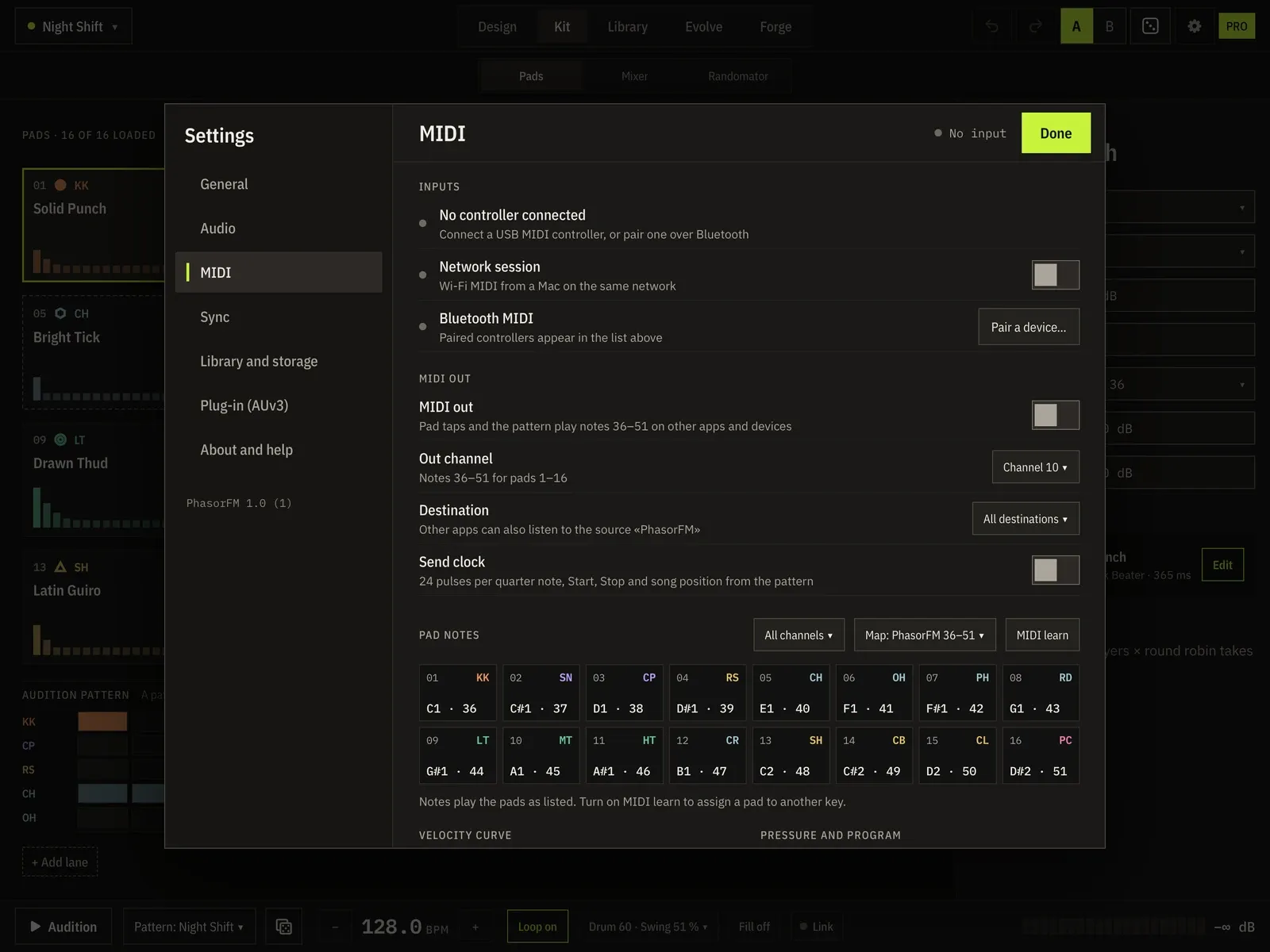
07
MIDI and Link
Play PhasorFM from a controller, assign pad notes and map controls with MIDI learn, send MIDI out and share tempo with Ableton Link.
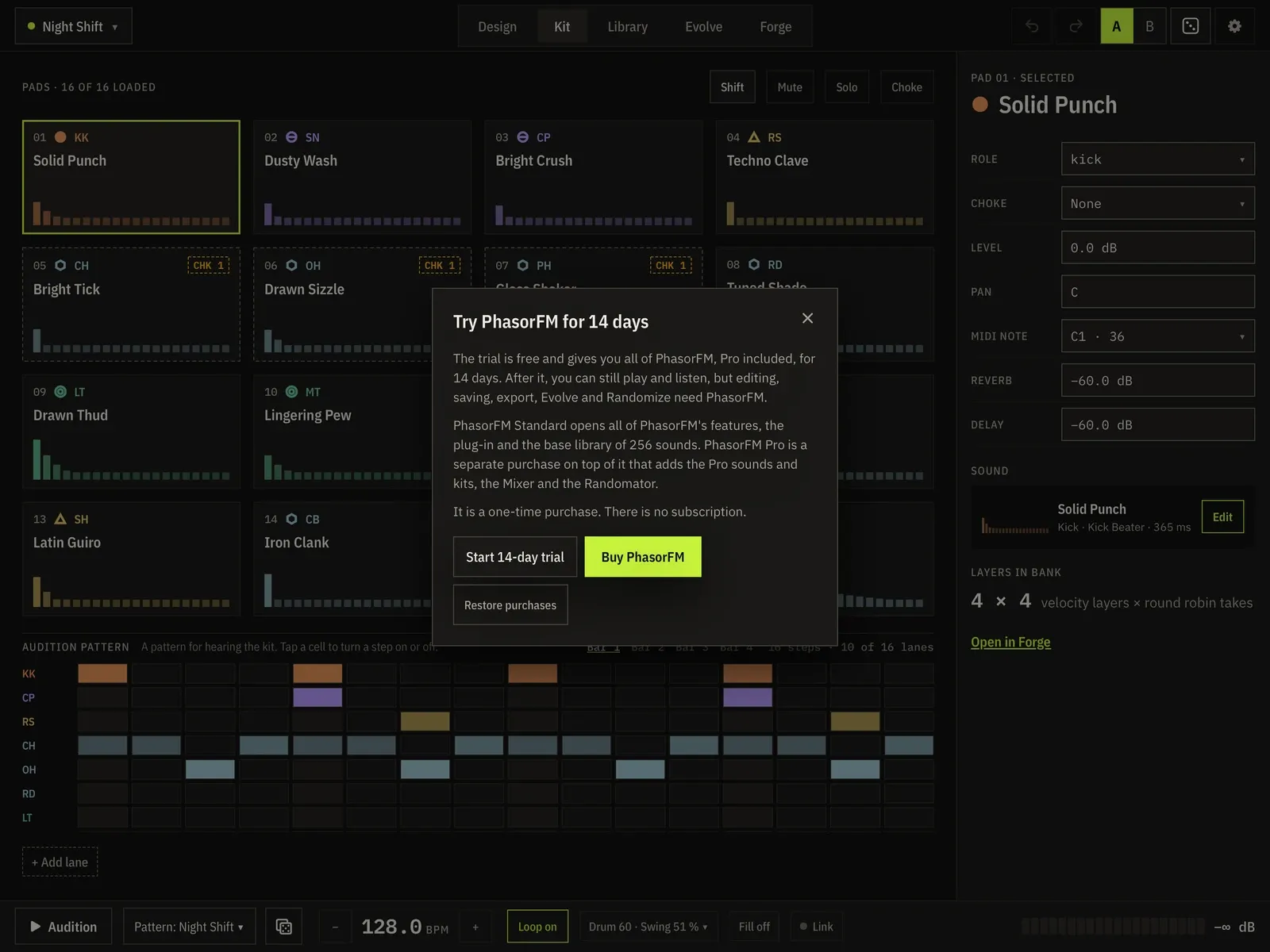
08
Purchases and trial
How the free trial, PhasorFM and PhasorFM Pro work, what listen mode is, and how to restore a purchase.


